University of Melbourne
The University of Melbourne is one of the largest and most productive research organisations in Australia, and is committed to the pursuit of knowledge and research excellence. This means that our researchers receive strong supervision and support to enable our researchers to deliver both quality and impact through their work, while upholding research integrity.
Kamol
9/9/20223 min read
Objective
To maximise the potential of the Find an Expert platform at the University of Melbourne, the focus must shift from a "directory" to a "collaboration ecosystem." With 9,000+ experts, 2,500+ supervisors, and 400k+ scholarly works, the challenge is not lack of data, but the speed of relevance.
Discovery
The project identified four key user segments as fictional archetypes based on research data:
Graduate Researcher: Prospective students like Chang-Ying Lee (International PhD) or Kevin O'Leary (PhD Student) who use Google or site search to find supervisors, evaluate fit, and identify academic support.+2
Supervisors & Experts: Time-poor academics like Johanna Schenkenberg who need to represent their research to a professional standard, attract quality graduates, and manage their availability for supervision.
Industry Partners: Business professionals seeking experts by sector for collaboration who often feel overwhelmed by academic language and want to understand the partnership process.
Media Reporters: Journalists working on tight deadlines (1-3 days) who need "good talent" for commentary and rapid access to latest news and contact details.
Pains
Navigation Complexity: Users must understand the University's faculty structures to find information, which is frustrating and confusing.
Administrative Friction: Graduate students find the application and scholarship process slow and disjointed.
Information Reliability: Outdated interfaces and unmanaged profiles make customers question the brand's prestige.
Communication Gaps: Researchers feel distant from central administration and find generic email contacts unhelpful.
Hypothesis
How might a graduate student find topics?
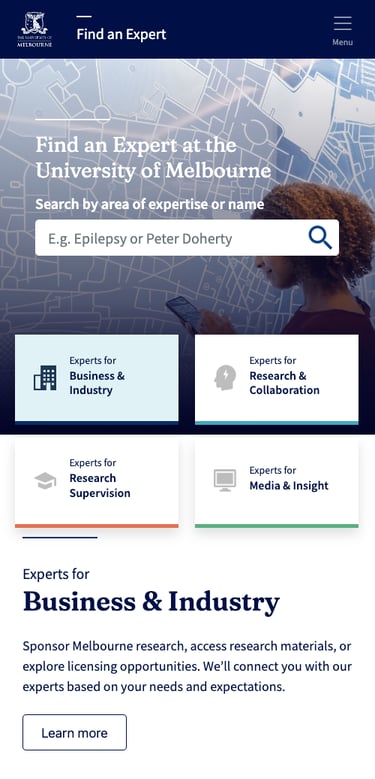
Introduce a homepage section to cycle through 22 research fields using filter "pills".How might a media person connect with an expert?
Allow media to search specifically for researchers available for collaboration.How might a researcher update their profile?
Enable researchers to control profile details through Minerva Elements.
Journeys
The discovery produced a Research Supervision Customer Journey Map covering stages from "Selecting" to "Graduation":
Selecting Stage: Includes looking for supervisors and scoping facilities; users often feel frustrated by slow application processes.
Commencement/Experimentation: Transitioning from inductions to data collection and analysis, involving touchpoints like faculty peers and supervisors.
Sitemap
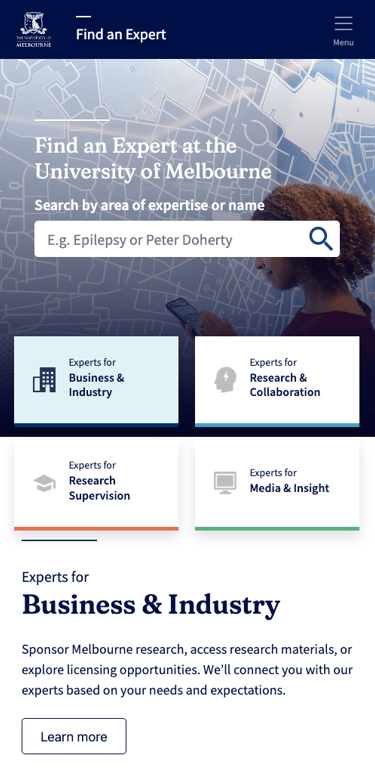
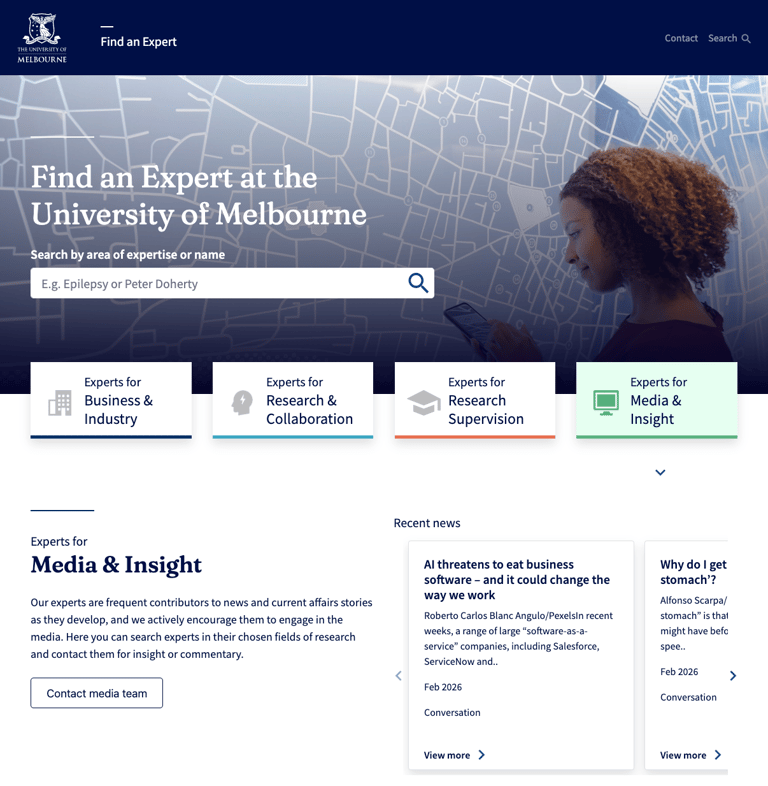
Landing Page: Leads to faceted search results and category pages (Topics, Org Units, Projects, Researchers).
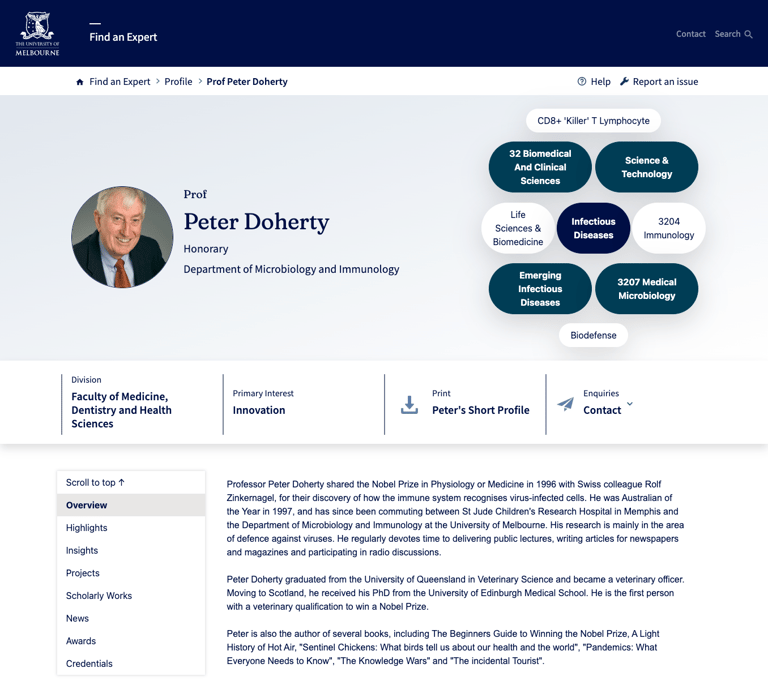
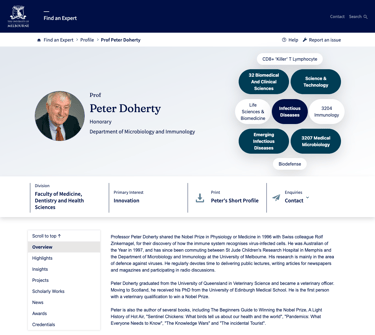
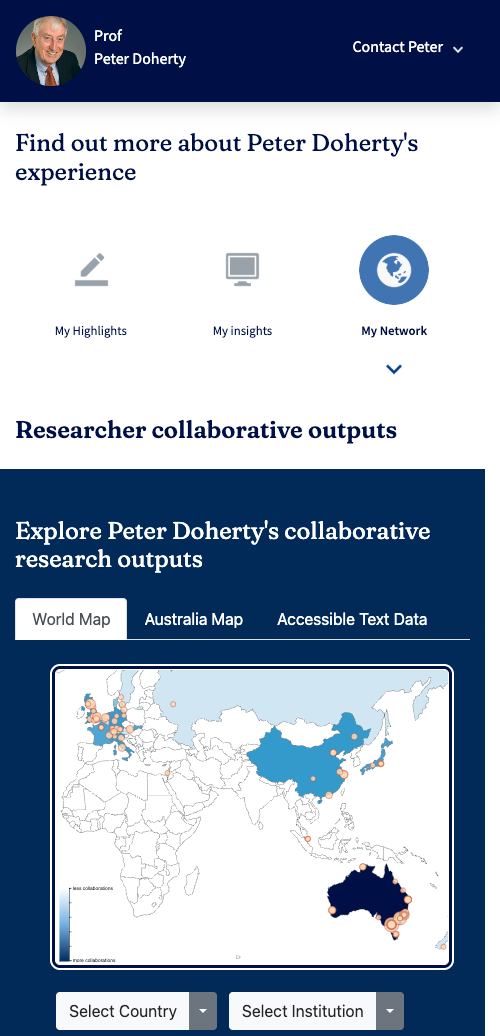
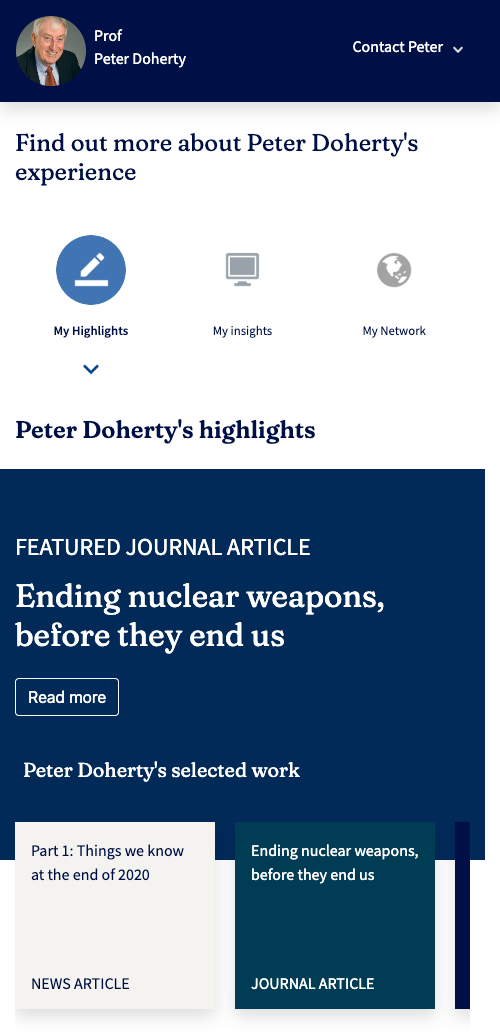
Researcher Profile Page: The core destination containing scholarly works, supervision availability, and contact information.
Design Approach
Wireframes: Low-fidelity skeletons were used to focus on usability and content hierarchy before visual styling.
Accessibility: The project mandates AA Accessibility Compliance (WCAG 2.1) and includes automated testing to ensure compatibility and SEO health.
Test Results
Qualitative: Gathered through User Interviews (SMEs and end users) and Contextual Inquiries to capture feelings, desires, and struggles.
Quantitative: Captured via Online User Surveys to gather data from a wide user base while interviews were in progress.
Conversion Metrics
Page Views & Scroll Tracking: Monitoring engagement levels.
Click-Through & Response Rates: Measuring how effectively users move from search to contacting an expert.
Success Evidence
Increased Productivity: Saving time (e.g., -80 hours).
Increased Conversion/ROI: Achieving 89% conversion targets.
Decreased Support Costs: Saving 1 FTE (20 hours) in training.
Reduced Dev Costs: Saving 1 FTE (40 hours) in development time.
Customer Satisfaction: Target of 91% satisfaction and adoption.