RACV
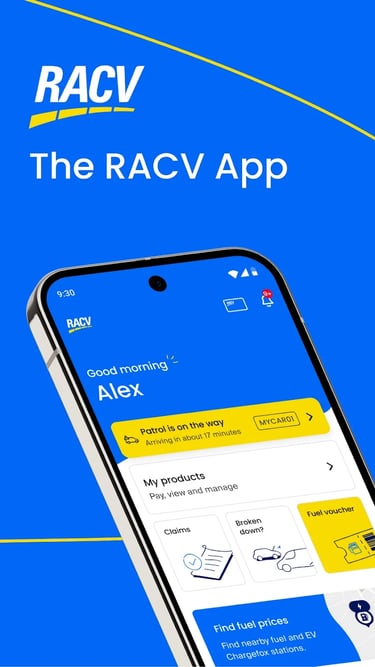
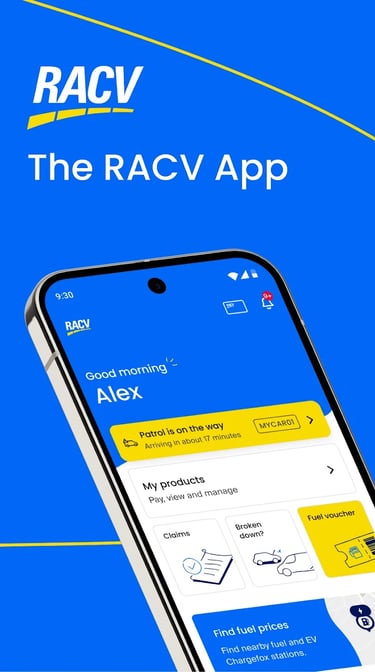
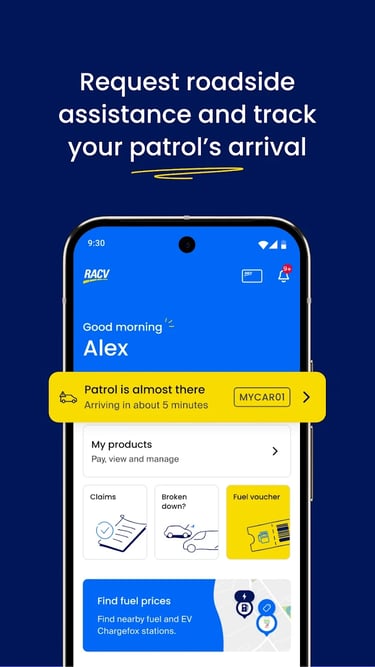
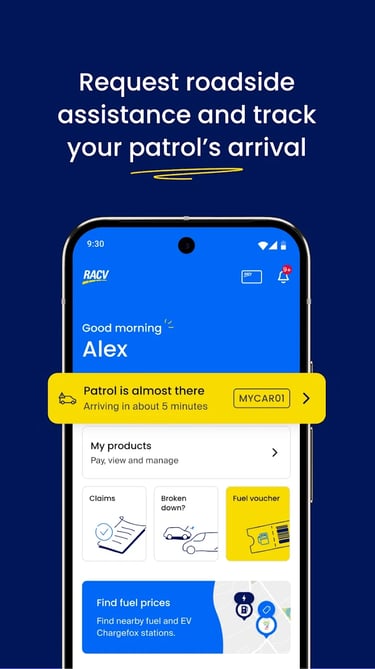
Designed The RACV app, a comprehensive tool for members to manage their roadside assistance, insurance, and other products, while accessing exclusive discounts and services directly from their smartphone.
Kamol
8/8/20193 min read
Objective
To deliver an enhanced and consistent user experience across both platforms, specifically aiming to reduce navigation friction, improve the visibility of member benefits, and streamline the "Account" and "Home" screen interactions.
Discovery
During the discovery sprint the following archetypes were discovered:
The Long-Term Loyalist: (e.g., Member since 1965). They primarily use the app for "Roadside Assist" and checking their membership status. They value simplicity and clear text.
The Value Seeker: Actively uses the app for daily savings, such as "Fuel" discounts and "Movie Tickets." They are the primary audience for the new "Offers" and "News" sections on the home screen.
Pains
Information Overload: The original "Account" screen was cluttered with non-account items like "Special Offers" and "Latest News."
Navigational Bottlenecks: Important services like "Fuel" and "Discounts" were buried or inconsistent across platforms.
Process Delays: Code reviews by the external ARQ Group created bottlenecks in Sprint 2, delaying deliverables.
Terminology Confusion: Labels like "Claims Lodgements" were found to be less intuitive than "Insurance Claims."
Hypothesis
H1 (Contextual Separation): If we move "Offers" and "News" to the Home screen, then the Account screen will be more useful because it remains strictly contextual to the member's personal information.
H2 (Visual Consistency): By implementing a bottom navigation bar with "Home, Assist, Fuel, Discounts, Account," we can increase feature adoption through clear, persistent access.
H3 (Process Improvement): By including detailed design specifications in JIRA stories, we can reduce code review delays and improve developer alignment.
Journeys
The enhancement focuses on the "In-App Exploration" phase of the journey:
Landing: Member opens the app to find immediate value (News/Offers).
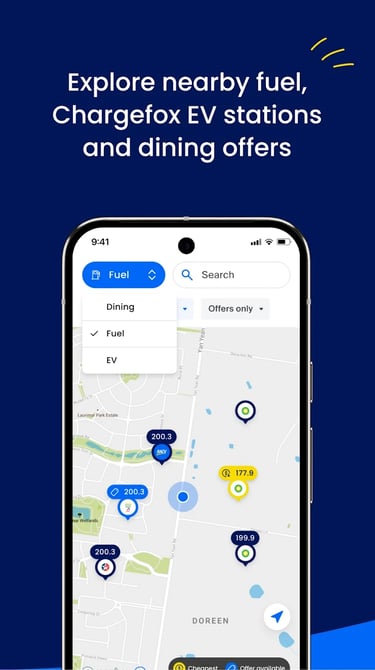
Engagement: Member checks "Fuel" prices or looks for "Discounts."
Support: Member seeks "Roadside Assistance" or "Contact Us" info.
Management: Member navigates to "Account" to view their digital membership barcode or insurance details.
Sitemap
The app was restructured into five core pillars:
Home: Personalised content like news, and offers.
Assist: Emergency Home Assist and Roadside Assistance.
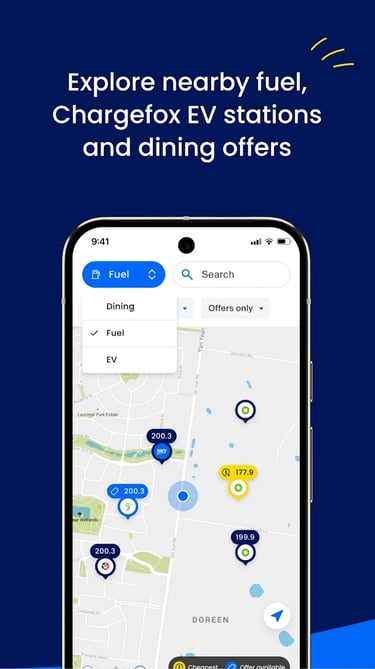
Fuel: Real-time fuel price tracking and locations.
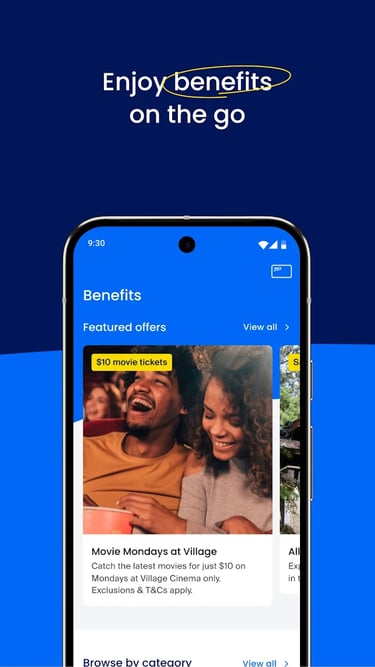
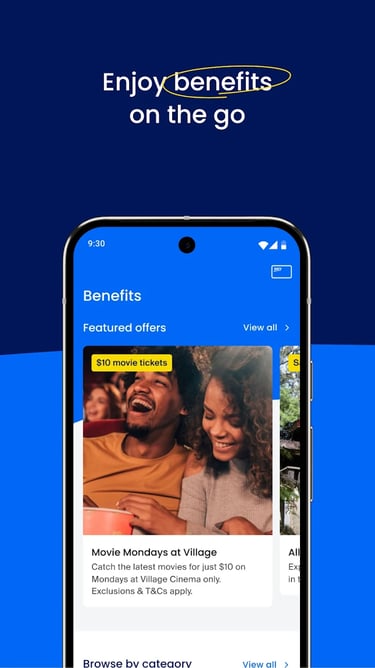
Discounts: Woolworths, Movie Tickets, and partner savings.
Account: Personal details, Membership number (barcode), and "Contact Us."
Design Approach
The design illustrates a transition from low-fidelity planning to high-fidelity "Enhanced Experiences":
Home Screen: Redesigned to include a "You May Like" section for Woolworths and Movie Ticket discounts.
Account Screen: Stripped of marketing noise to focus on the Member Number barcode and tier status (Blue/Gold/Years of Service).
Contact Us: Redesigned with actionable phone numbers for "Insurance Claims" and "RACV Feedback."
Test Results
Qualitative: "RACV Feedback" was specifically added to the "Contact Us" screen to gather ongoing member sentiment.
Business Acceptance: Deliverables were put through "Test Acceptance" by the Product Owner to ensure they met the initial business requirements.
Conversion Metrics
Offer Click-Through Rate (CTR): Measured by the movement of "Offers" to the Home screen's "You May Like" carousel.
Support Call Efficiency: Measured by the use of the refined "Contact Us" screen, reducing the time members spend searching for the right department number.
Success Evidence
Deployment Velocity: Solving the "ARQ Group Bottleneck" to ensure sprints are delivered on time.
Consistent Look & Feel: 100% alignment between iOS and Android UI components.
Member Sentiment: Targeted through the new "RACV Feedback" loop within the app.